
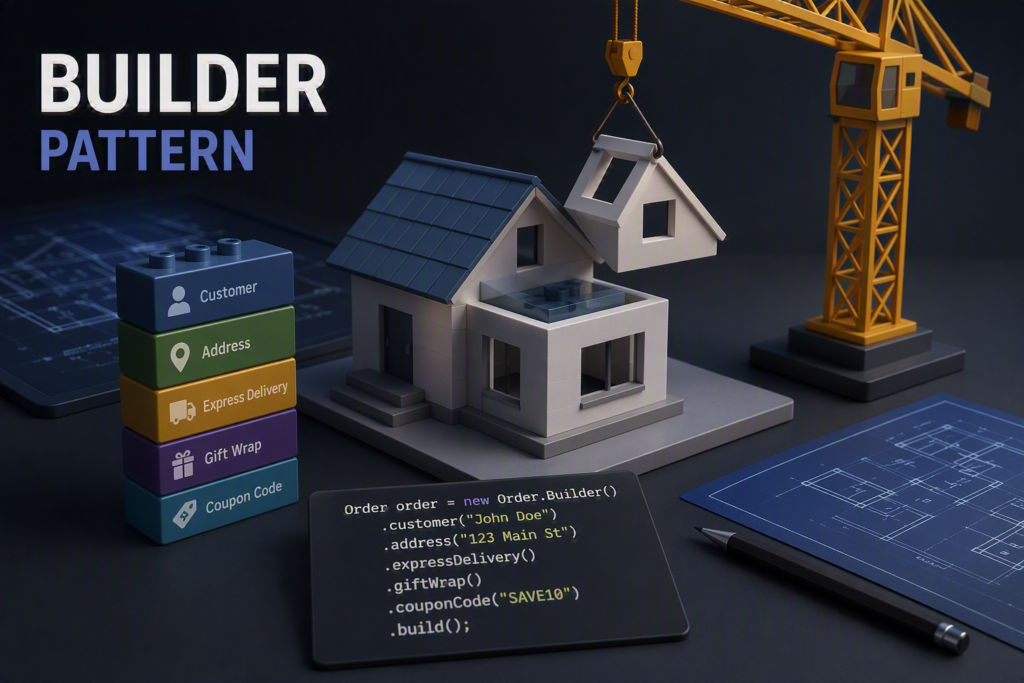
Imagine you need to create an object with a dozen fields — some required, some optional, some dependent on each other, and some that must be set in a specific order.
Sounds like a nightmare for a constructor and Programmer that has to re-apply everything in appropriate order?
That’s exactly where the Builder pattern comes in. It turns parameter chaos into a clear, controlled process of building objects step by step.
The Problem: Constructor Hell
Let’s take a simple example — an order configuration:
Usage:
Order order = new Order(“John Doe”, “Gdynia”, true, false, null);
The problem here is it’s pretty hard to read. Additionally – every extension requires too much effort, not mentioning vulnerability for errors
The Solution: Builder
Instead of passing everything at once, we build the object step by step:
Yes – it is much more in the class definition – hovewer it pays off. Usage looks as follow:
Order order = new Order.Builder()
.forCustomer(“John Doe”)
.shipTo(“Gdynia”)
.withExpressDelivery()
.build();
Benefits are most of all – readability. For Usage we only have to get this information we want and in whatever order we want. Extension is also easy – we only have to extend the class and the extension is ready to use. No need to go through the entire code to make changes – not anymore!
When do you want to use Builder?
There is number of cases when that pattern is suitable. First of all – if you have plenty of optional parameters – the Builder is there for you. With constructors you have to pay attention to every possible detail – and with Builder only the ones you want in particular situation.
It also benefits with complex objects, when extending them through constructor sounds terrible. With Builder you do just what you want to.
API readability is mentioned as advantages as well. A simple Query below proves that:
Query query = new Query.Builder()
.select(“name”, “price”)
.from(“products”)
.where(“price > 100”)
.orderBy(“price DESC”)
.build();
When avoiding Builders?
Builders are overkill for simple cases – if your class has like 4-5 fields and no extensions are coming in future – I would say you don’t need such a sophisticated solution in it. So Generally the Builder will be worse choice especially when the class you are concidering is something minor in your project – not too often used or just basically small.
The same goes for cases when you don’t need step-by-step configuration. Remember – always try to keep it as simple as situation allows to!
No responses yet